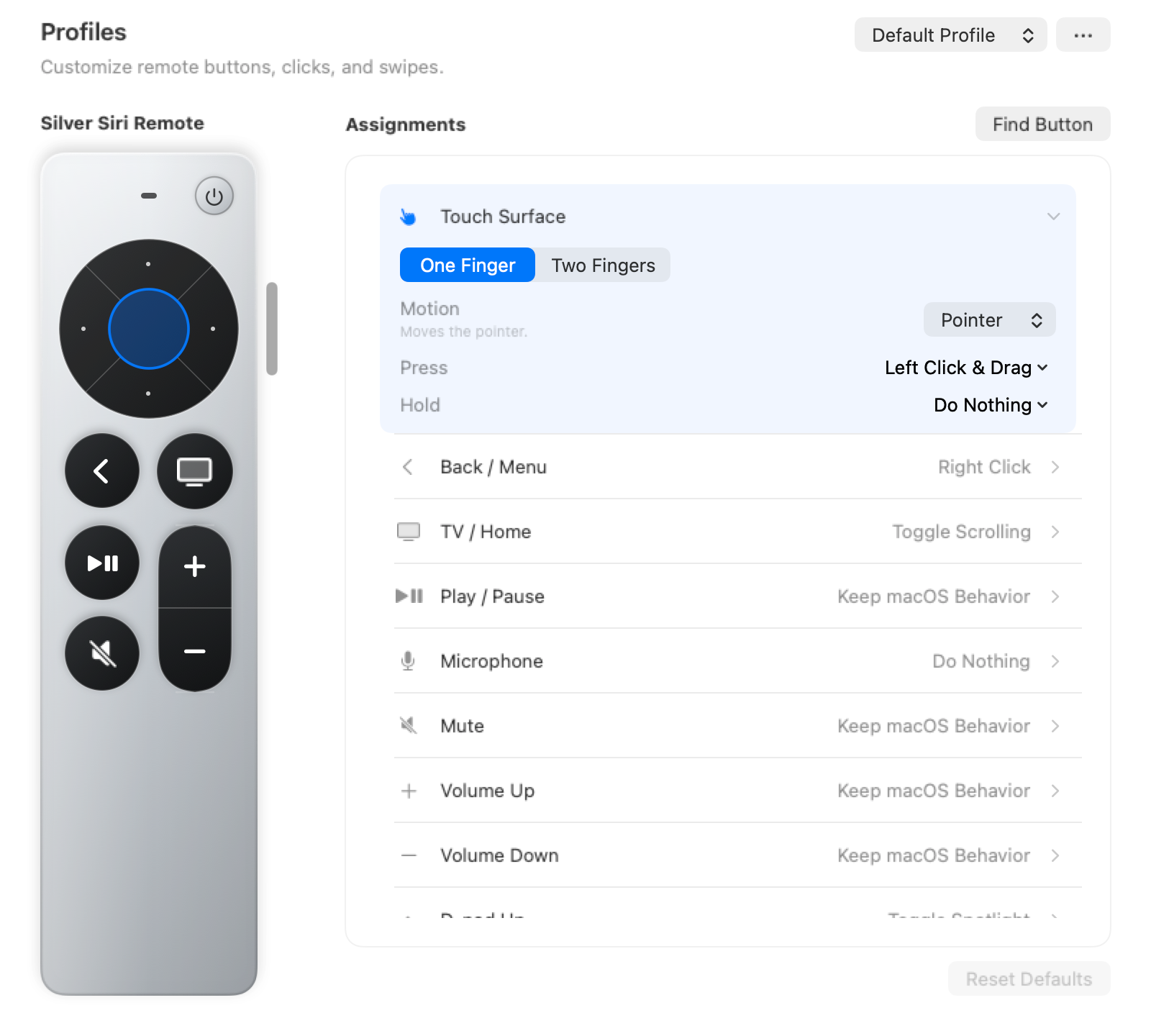
HELP / CONTROLS
Make each button yours.
Start with pointer controls, then choose an app profile or assign your own shortcuts.
Everyday pointer controls
The touch surface works like a small trackpad. Adjust sensitivity and assignments in Profiles.
- Swipe
- Move the pointer
- Press
- Click or drag
- Two fingers
- Scroll with momentum
- Menu / Back
- Right-click
Presentations: Keynote & PowerPoint
Choose the built-in profile for your presentation app. These assignments apply while that app is active.
- Left / right
- Previous / next slide
- Play / Pause
- Advance with Space
- Up
- Toggle the spotlight
- Down
- Toggle the laser pointer
- TV / Home
- Exit with Escape
Change a button assignment
Open Profiles, choose your remote, then select a control to change its action. You can keep a general profile and use different assignments for individual apps.