
HELP / GET STARTED
Set up your remote.
You’ll need macOS 13 or later, Bluetooth, and a compatible Siri Remote. No Apple TV or USB receiver required.
01 / INSTALL
Open CouchCursor
Download the app, open the ZIP, and move CouchCursor to your Applications folder. Launch it and choose Get Started.
Download for Mac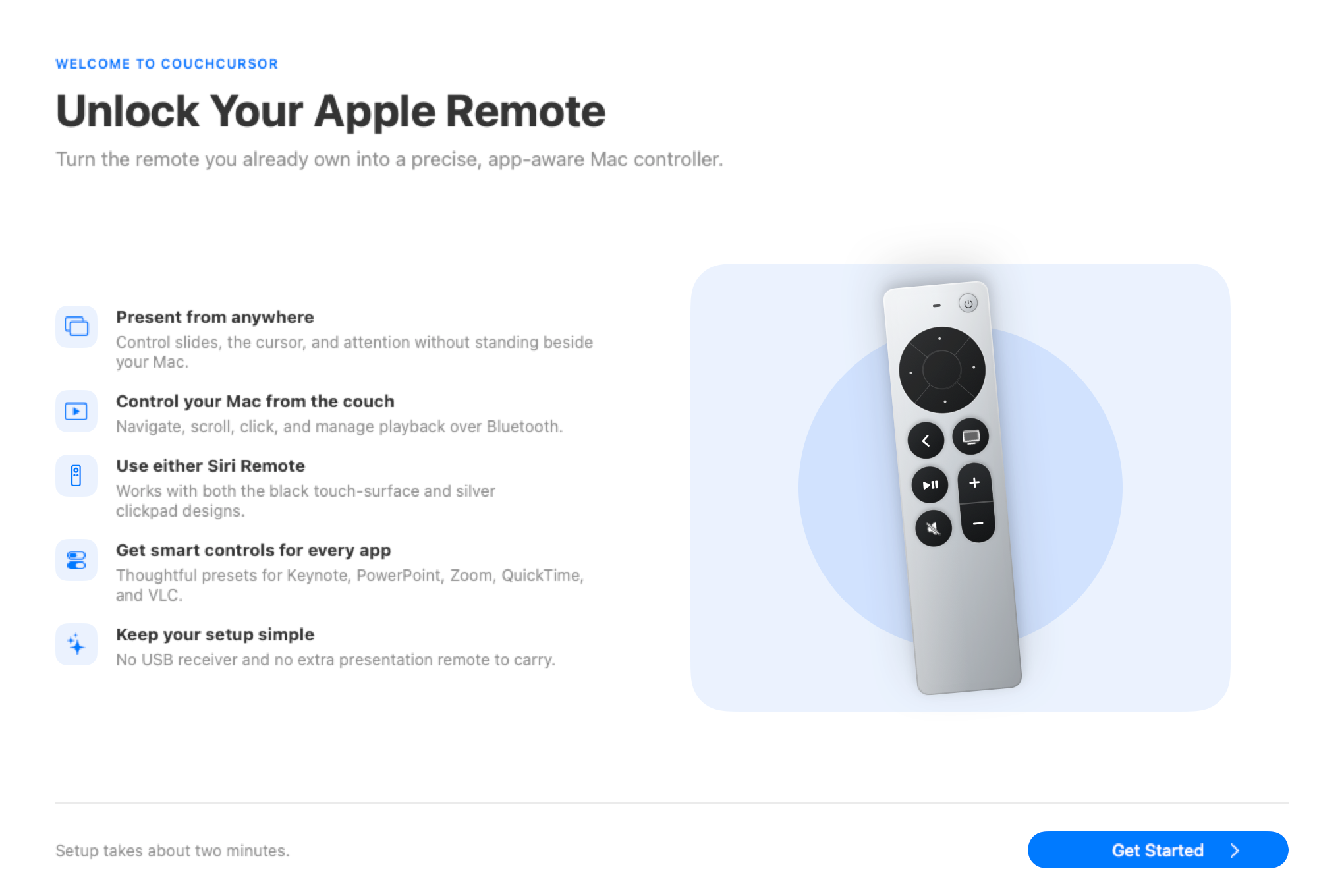
02 / PERMISSIONS
Allow remote control
Follow the app’s links to System Settings › Privacy & Security. Enable CouchCursor under Input Monitoring and Accessibility, then return to the app.
What these permissions do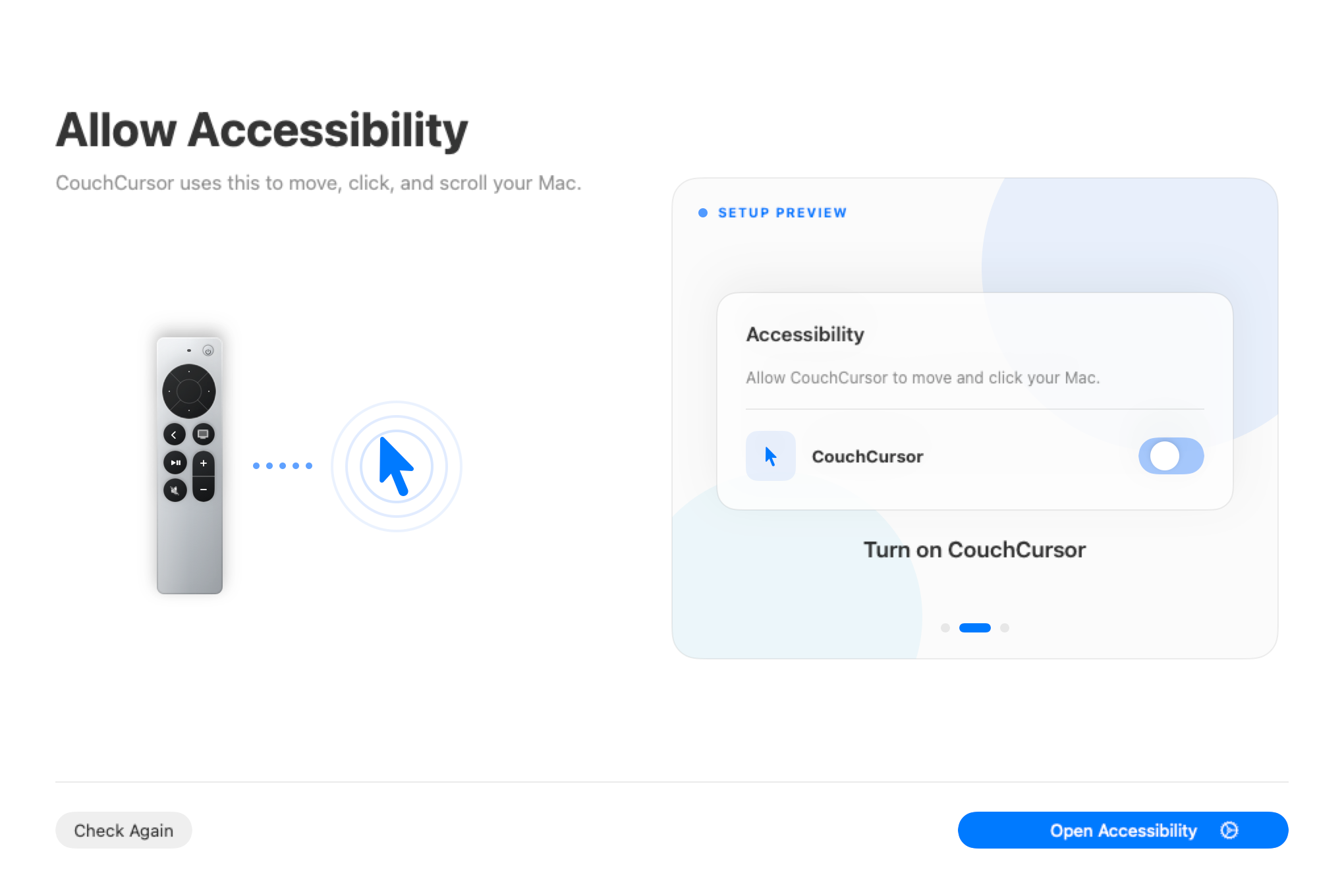
03 / BLUETOOTH
Connect your Siri Remote
Open System Settings › Bluetooth. Put the remote in pairing mode using the instructions in CouchCursor, select it, and choose Connect. Return to the app when macOS shows Connected.
Remote not appearing?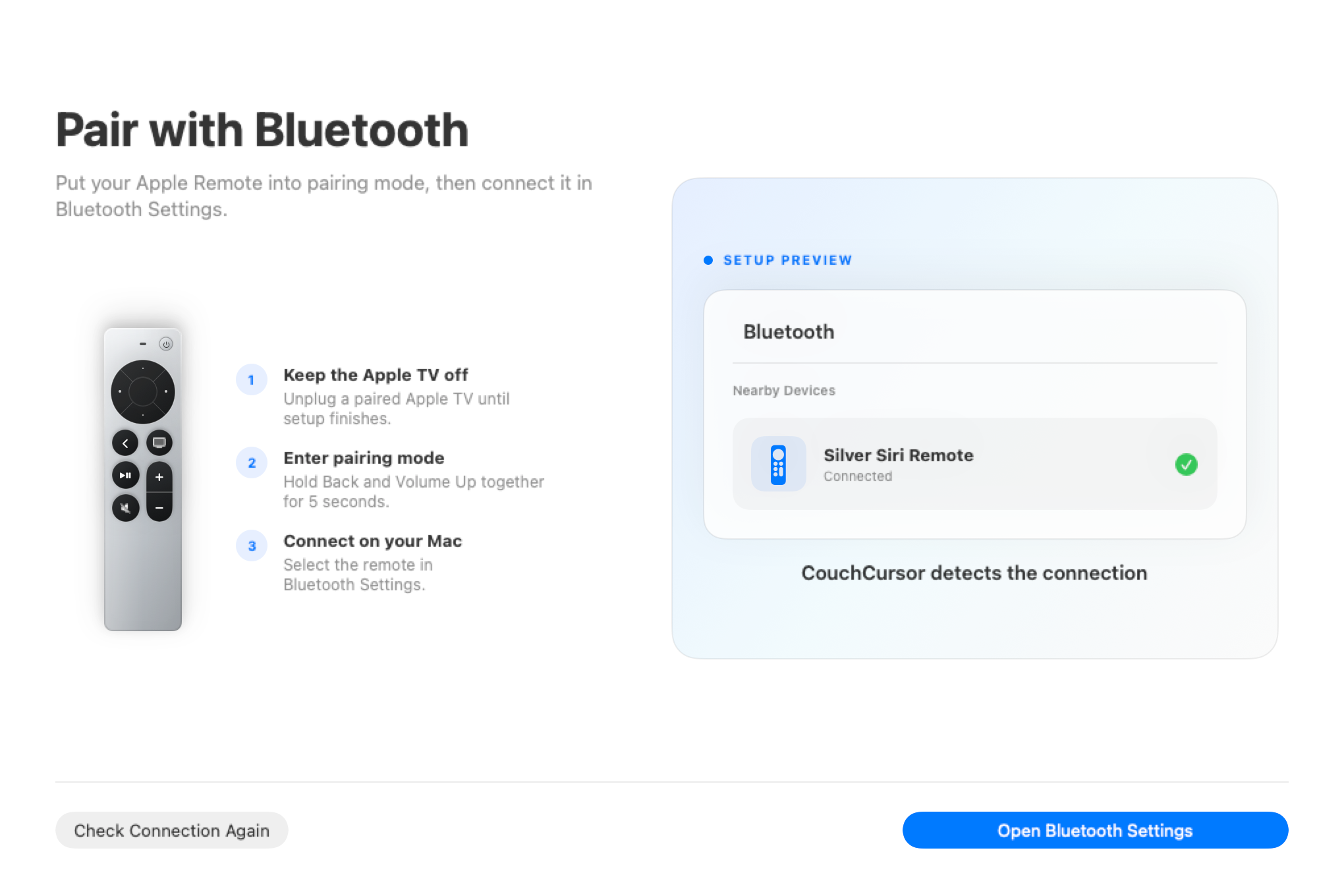
Next: customize your remoteExplore controls